
If you run a bubble tea shop, lemon tea stand, or serve trendy seasonal drinks and handle 40+ orders per day on Shopeefood, you definitely need a solution to process orders quickly and accurately without manual entry. However, the Shopee Partner app currently does not support label printer integration.
Dưới đây là các bước đơn giản và nhanh chóng để cài đặt việc in tem tự động cho các đơn hàng Shopeefood như sau:
Bước 1: Tải app Analy lên điện thoại của bạn (android, ios) hoặc thiết bị nhận đơn của quán như máy pos, window pc. Bấm Đăng ký tài khoản mới là sẽ có ngay tài khoản dùng thử miễn phí 7 ngày với đầy đủ các tính năng.
Link tải app:
✔️Google store: https://play.google.com/store/apps/details?id=com.analy.user
✔️Apple store: https://apps.apple.com/app/analy/id6474166377
✔️Window hoặc file APK: https://analy.co/
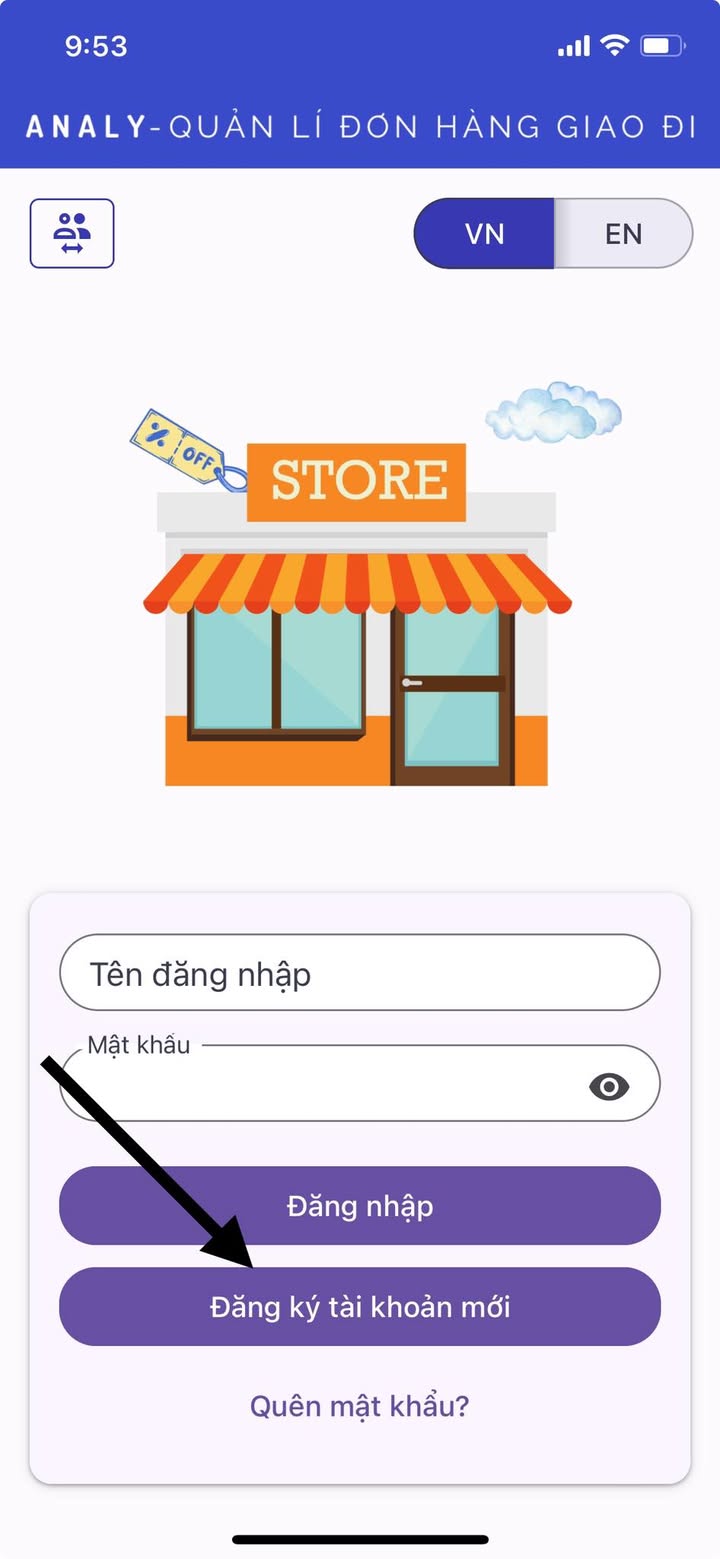
Bước 2: Kết nối với tài khoản Shopeefood của quán. Lưu ý: Cần tạo tài khoản Quản lý riêng biệt, dùng để đăng nhập lên Analy, không sử dụng tài khoản chủ quán. 👉 Chi tiết
Bước 3: Vào mục Cài đặt máy in tem nhãn và chọn loại máy in mà quán đang sử dụng 👉 Chi tiết
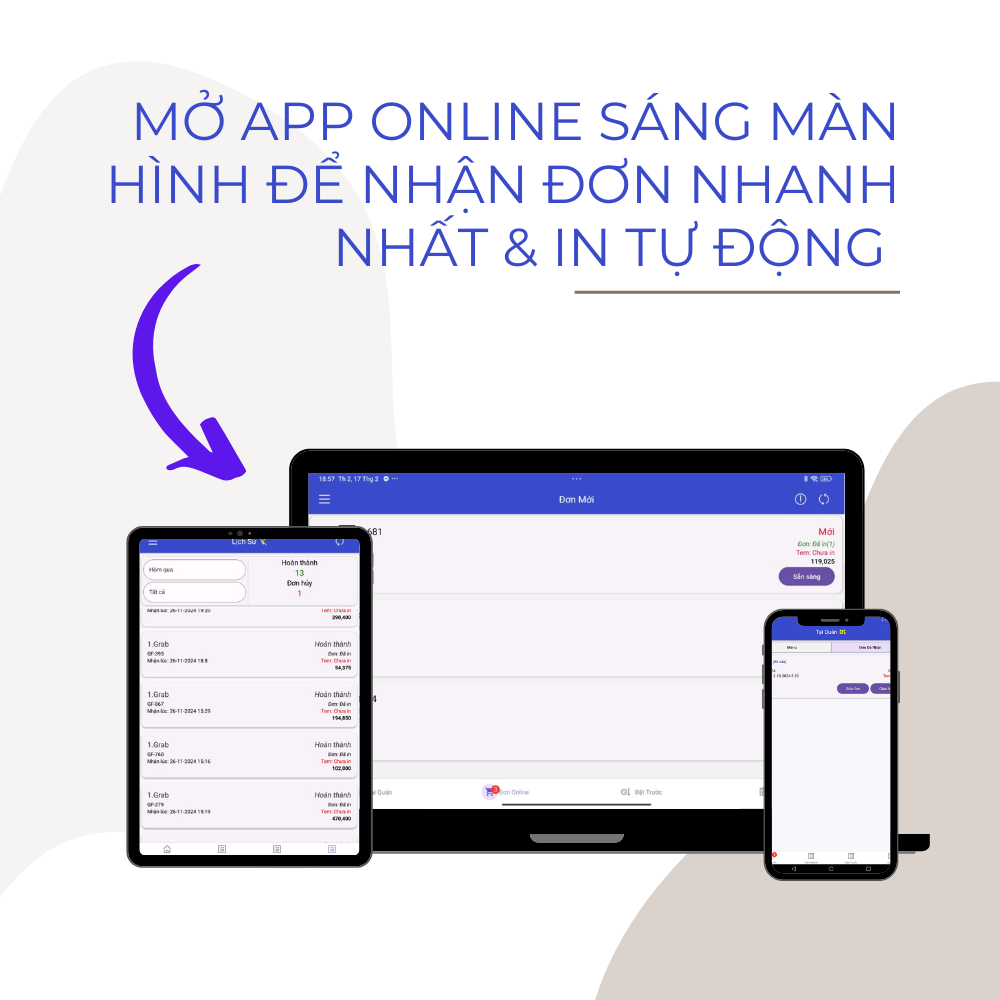
Bước 4: Giữ app online sáng màn hình để nhận đơn và in tem tự động khi có đơn Shopeefood.
Start using Analy today to optimize your order processing and improve customer experience! 🚀
Contact the support team if you want to adjust the information on the label: http://m.me/173451619179449